Keycaps from your keymap
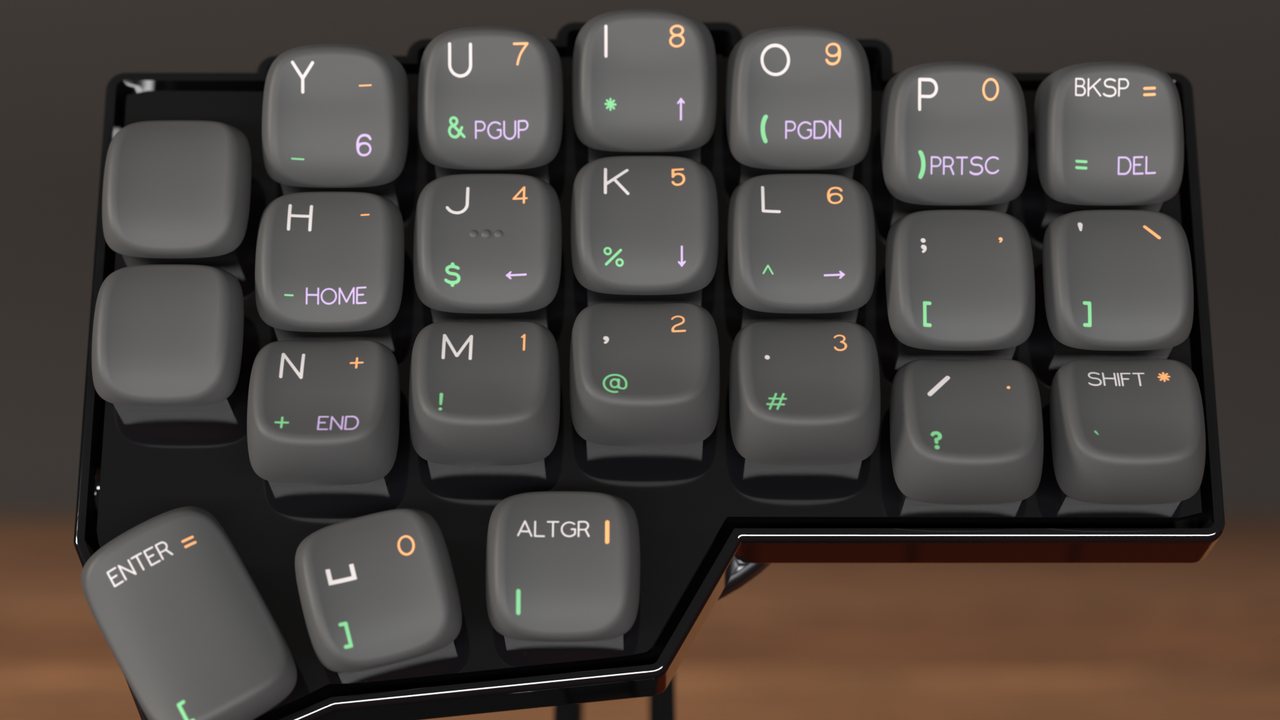
Bring your keyboard's layout, choose the colors, and send the set to Yuzu for printing. Everything happens in your browser.
Step 1Bring your layoutPlug in your Vial keyboard, or drop the file Vial, QMK or ZMK saved. Every layer comes with it.
-
Connect your keyboard, or drop the file Vial, QMK or ZMK saved.
-
Your keymap has more than four layers. Pick the four you would like on your keycaps.
-
Check that this is the board you want to use:
-
Pick the label font. Then click a corner of a cap to type your own label, or clear it to leave that corner blank.
-
Pick the caps' color, then turn the wheel to choose the four label colors.
-
Name your set, then send it to Yuzu's Playground, where Yuzu gives the price and takes the order.